AI AutomationWorkflow AutomationDefinitions
What Is AI Automation? The Definition We Build Against
AI automation is software that carries a piece of work from trigger to done, with a model handling the steps that used to need a person's judgment: reading, classifying, deciding, drafting.
That sentence is the definition we build against, and every word in it is doing a job. This post unpacks it, draws the boundaries, and gives you a test for whether a task in your company qualifies.
What Each Part of the Definition Means
"A piece of work." Not a department, not "operations," not a transformation. A nameable unit someone currently does: answer this inbound email, process this invoice, produce this Monday report. Automation succeeds at the granularity of pieces and dies at the granularity of visions.
"From trigger to done." The trigger is the event that starts the work: an email arrives, a form is submitted, the clock strikes Monday. Done is a state you can test: the reply is sent, the record is updated, the report is delivered. If either end is fuzzy, what you have is not yet an automatable piece of work; it's an idea.
"A model handling the judgment steps." This is the part that's new. Traditional automation moves data between systems on fixed rules, and it's excellent at that. What it could never do is the part in between: someone still had to read the email, decide what it was about, and write the response. Those judgment steps kept a person in the loop of every run. A model can now carry them, which means the whole piece of work can run, not just its mechanical halves.
How AI Automation Works
One deployed automation is a short chain of steps, and most of them are not AI. Here is the chain from first event to last message.
- Trigger. An event starts the run: an email lands in a shared inbox, a file appears in a folder, a status changes in a system, a schedule fires.
- Read. The automation pulls in what the work is about. That means the email body, attachments, the customer row, the contract on file. Text is extracted from PDFs and images here.
- Classify. A model labels what it read: invoice or statement, complaint or question, urgent or routine. The output is limited to a fixed list of labels.
- Decide. The route is chosen. Where a rule exists (invoices over a set amount go to a second approver), the rule decides. Where no rule exists, a model chooses among known options, and its reasoning is stored with the choice.
- Draft. If the work needs prose, the model writes it from known material: the reply, the summary, the narrative under the numbers.
- Act. The automation changes something in a business system: posts the bill, updates the ticket, sends the message, files the document. This is the step with consequences.
- Record. Every run writes down what came in, what was decided, what was done, and which model and rules were in force. In the terms used by AGLedger, whose deployment Tributary supports, this is the Record of what was asked, and the Completion is what the automation submits when it reports the work finished.
- Gate. Some actions do not run until a person approves them. The Gate holds the action, shows the reviewer the evidence, and releases it on a Verdict. Which actions sit behind a Gate is set per automation, by the client.
- Notify. The right people hear about the outcome: the requester gets the reply, the owner sees the exception, the on-call person is told when a run failed.
| Step | What happens | Who or what does it |
|---|---|---|
| Trigger | Event starts the run | Webhook, mailbox watcher, scheduler |
| Read | Source material gathered | Code, OCR, model |
| Classify | Input given a label | Model, constrained to a list |
| Decide | Route chosen | Rule first, model where no rule exists |
| Draft | Text written from the source | Model |
| Act | Business system changed | Code through an API |
| Record | Run written down | Code |
| Gate | Consequential action held | Person |
| Notify | Outcome reported | Code |
Three steps use a model (classify, decide when no rule exists, draft). The other six are ordinary software. The model is the new part. The wiring, permissions, Records and Gates decide whether the automation survives real traffic.
What AI Automation Is Not
The category is easier to hold onto once you know its neighbors:
- Not a chatbot. A chat window waits for a person to bring the work to it, sentence by sentence. An automation is wired to the trigger and runs without being asked.
- Not a copilot. Copilots make a person faster at a task the person still performs. Useful, but the work still routes through human hands on every run. Automation removes the run from the queue entirely.
- Not a tool subscription. Buying an AI tool gives you a capability. Until that capability is wired to your triggers, your systems, and your definition of done, no work is being carried. (This distinction has its own post: AI Automation Tools Are Not AI Automation.)
- Not plain integration or RPA. Zapier-style integration and RPA are automation, and where the work is fully rule-shaped they're the right tool. They stop at the judgment steps. AI automation is the superset that covers those steps too. Choosing between an LLM, RPA, and classic ML is made step by step, not once per system.
How It Compares With Everything Nearby
The terms overlap in vendor marketing. Side by side:
| Who starts it | Who decides the steps | What it produces | Where it stops | |
|---|---|---|---|---|
| Traditional automation / RPA | An event or schedule | A developer, in advance, as fixed rules | The same output for the same input | At the first input the rules did not anticipate |
| Integration platforms (Zapier-class) | An event in one app | The builder, as a fixed trigger-and-action chain | Data copied or transformed between apps | At any step that needs reading or judgment |
| Copilots | A person, in the middle of their own task | The person, with suggestions from the model | Suggestions, drafts, and answers inside the person's tool | When the person stops working |
| Chatbots | A person, with a message | The model, one reply at a time | A conversational answer | At the end of the conversation, unless a human carries it out |
| AI agents | A person or an event | The model, at runtime, from a goal and a set of tools | Actions across several systems | At the limits of its tools and permissions |
| AI automation | An event or schedule | Rules where rules exist, a model for the judgment steps | A finished piece of work: reply sent, record updated, report delivered | At the Gate, where a person approves consequential steps |
AI Automation vs AI Agents vs Agentic Workflows
These three terms describe how much of the route is fixed in advance.
AI automation is the broad category from the definition above: work carried from trigger to done with a model on the judgment steps. The route can be fully fixed: a model reads the invoice and a rule sends it to the right approver.
An agentic workflow is the shape where the model chooses the route at runtime. The steps are not a straight line, because the middle of the work varies too much for fixed branches. The model picks the next tool, looks at the result, and picks again, inside limits the design sets. See What Is an Agentic Workflow?.
An AI agent is the component that does the choosing: a model with access to tools, a goal, and permission to act. An agent is one way to build an agentic workflow. How agents fit into a business, and what they need before they act on their own, is covered in AI agents for business.
Use the least autonomy that finishes the work. Reach for an agentic workflow only when the route itself cannot be written down.
The Four Kinds of Work It Carries
Across companies and industries, the pieces of work that qualify cluster into four categories, which is how we organize our own practice:
- Intake. Email, documents, forms, and tickets read, understood, and routed the moment they arrive.
- Triage. Requests classified and the next step decided: by rule where a rule exists, by model where it doesn't.
- Drafting. Responses, summaries, and first drafts written for a person to approve rather than start from blank.
- Reporting. What happened, pulled from the systems where it happened, delivered on schedule.
Most companies' first successful automation is an intake or drafting piece: high volume, bounded judgment, obviously reversible. When the middle of the work is too varied for fixed rules and the model chooses the route at runtime, the automation has a specific name and its own trade-offs: that shape is an agentic workflow. Where those automations sit in a business, and what they need before they act on their own, is the subject of AI agents for business.
Four Worked Examples
These are illustrations of the pattern, not client accounts. They show the shape of a typical run so you can map your own work onto it.
Invoice intake
- Trigger: An email with a PDF attached arrives in the accounts payable inbox.
- Judgment steps: The model reads the invoice, extracts vendor, invoice number, line items, total and due date, and matches the vendor to the vendor list. A rule checks the amount against the purchase order. The model flags anything that does not match.
- Done: The bill is entered in the accounting system with the PDF attached, and the approver has been notified.
- What waits for a person: Invoices with no matching purchase order, a new vendor, or a total above the approval threshold. Payment itself never runs from the automation.
Inbound email triage
- Trigger: A message arrives at the shared sales or support address.
- Judgment steps: The model classifies the message (quote request, support issue, billing question, spam, other), finds the account it refers to, and rates urgency against a written definition.
- Done: The message is in the correct queue, tagged, with the account linked and a one-line summary on top.
- What waits for a person: Anything the model labels "something else", anything from a named key account, and any message that mentions legal action.
Weekly report
- Trigger: Monday at 6:00 a.m.
- Judgment steps: Code pulls figures from the CRM, the ticket system and the ledger. The model writes the narrative: what moved, what is out of pattern, which three numbers deserve attention.
- Done: The report is in the owners' inboxes before the Monday meeting, with the source queries attached.
- What waits for a person: Reading it. A report that cites a figure it cannot find is held back and the owner is told the run failed.
Customer reply draft
- Trigger: A customer writes in with a question about an order or a policy.
- Judgment steps: The model reads the message, looks up the order and the relevant policy text, and drafts a reply in the company's voice using only that material.
- Done: A draft sits in the agent's inbox with the order details and the policy excerpt beside it.
- What waits for a person: Sending. A person reads the draft, edits it if needed and sends it.
Does the Model Get the Last Word?
The definition says a model handles the judgment steps. It does not say a model gets the last word. In a well-built automation, routine steps run and report what they did; consequential steps (sending money, deleting records, making commitments to customers) wait for a person's approval before they happen. Deciding which steps are which is a design decision the client makes, not a default the software imposes.
This is also the honest answer to the fear that "AI automation" means firing the people who do the work today. What it removes is the reading, re-keying, chasing, and blank-page drafting. What it leaves is the judgment that was always the actual job.
What Changed in 2025 and 2026
Four shifts made the judgment steps dependable enough for real traffic.
Structured outputs became a guarantee. The major model APIs now constrain a response to a schema you supply, so the classify and decide steps return a label from your list instead of a paragraph you have to parse. See OpenAI's announcement of Structured Outputs, Anthropic's structured outputs documentation and Google's Gemini structured output guide. A schema violation stops being a failure mode the downstream code has to guess around.
Models got a standard way to reach business systems. The Model Context Protocol, introduced in Anthropic's announcement of MCP, defines one interface between a model and the systems that hold your data and tools. A connector written once can serve any model that speaks the protocol.
Models can operate screens. Where a system has no API, a model can read a screenshot and use the mouse and keyboard. Anthropic introduced computer use in late 2024 and documents the current tool in its computer use tool reference. It is slower than an API call, so it is the fallback for legacy software.
Open-weight models made on-premise judgment practical. Models whose weights you can download and run on your own hardware reached the point where they handle classification, extraction and drafting at useful quality. OpenAI's gpt-oss release and the gpt-oss-120b model card on Hugging Face are one example. We cover the trade-offs in running a private LLM on your own hardware.
A Three-Part Test for Your Own Work
A piece of work is a candidate for AI automation when it passes three checks:
- The trigger is observable. The work starts with an event a system can see: a message, a file, a status change, a schedule.
- Done is testable. You can write one sentence that a system could check: the reply is sent, the record matches, the report is in the inbox.
- The judgment is bounded. The human steps in the middle are reading, classifying, deciding among known options, or drafting from known material. If the middle requires novel strategy or relationships, automate around it, not through it.
Run that test across a department and you'll typically find a dozen candidates before lunch. Ranking them (by volume, by reversibility, by how much the delay costs) is the real planning work, and it's a better use of a planning hour than any vision deck.
If you'd rather walk through that ranking with people who deploy these systems for a living, tell us about the work you want carried.
FAQ
What is AI automation?
AI automation is software that carries a piece of work from trigger to done, with a model handling the steps that used to need a person's judgment: reading, classifying, deciding and drafting.
What is the difference between AI automation and traditional automation?
Traditional automation follows fixed rules and moves data between systems. It stops at inputs the rules did not anticipate. AI automation keeps the rules where rules work and adds a model for the steps that need reading and judgment, so the whole piece of work can run without a person on every pass.
What is an example of AI automation?
Invoice intake is one. An invoice arrives by email, a model extracts the vendor, amounts and due date, a rule checks the amount against the purchase order, and the bill is entered in the accounting system. Invoices that do not match, or that exceed an approval threshold, wait for a person. Payment is never released by the automation alone.
Is AI automation the same as an AI agent?
No. AI automation is the broad category of work carried from trigger to done with a model on the judgment steps, and its route can be completely fixed. An AI agent is a model that chooses its own tools and steps at runtime. An agent is one way to build an automation, and the right one only when the route cannot be written down in advance.
Does AI automation replace employees?
It replaces tasks, not jobs. What it removes is the reading, re-keying, chasing and blank-page drafting. The judgment on consequential decisions stays with people, and a well-built automation puts a Gate in front of those steps so a person approves them before they happen.
How do you know if a task is a candidate for AI automation?
Apply three checks. The trigger must be observable by a system, such as a message, a file, a status change or a schedule. Done must be testable in one sentence a system could check. And the judgment in the middle must be bounded: reading, classifying, choosing among known options, or drafting from known material.
Working on something like this?
Tell us about the work you want carried. A short email is enough to start.
Talk to usRelated posts
All posts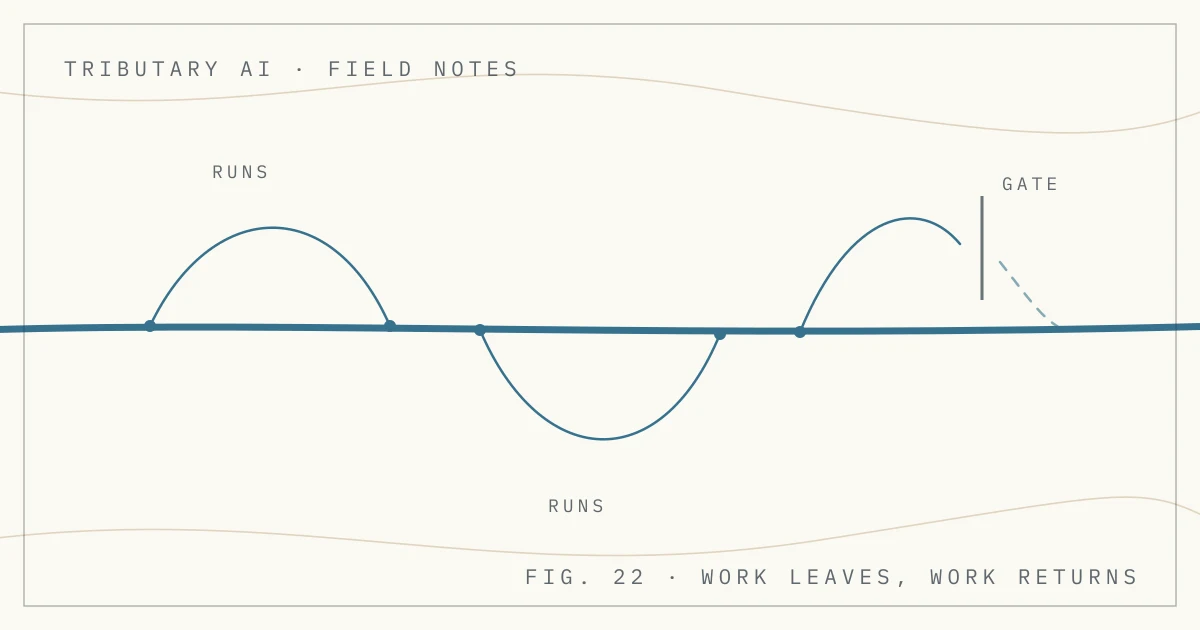
AI Agents24 min read
AI Agents for Business: Where They Pay Off and What They Need First
An AI agent reads incoming work, picks from a fixed set of tools, and carries the task toward done within limits. Where agents pay off and how to pick one.
AI Automation7 min read
Intelligent Document Processing Without the Enterprise Suite
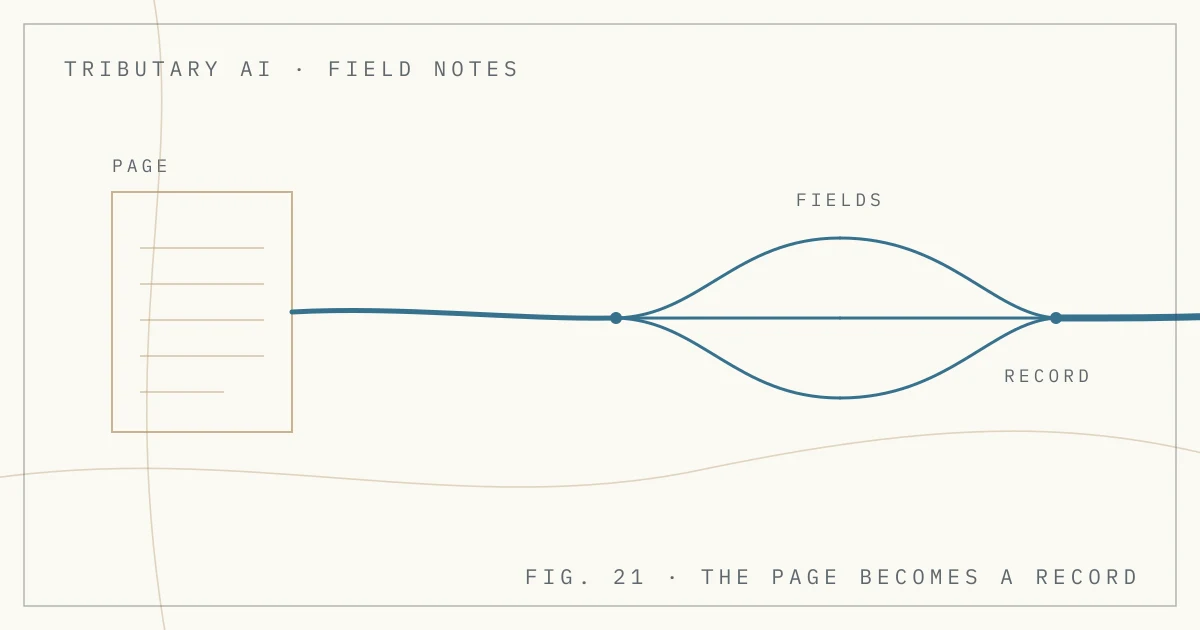
A document arrives and the automation reads it into a structured record with named fields. What that record carries, and where extraction goes wrong.